
INFORMATION
A treatment consists of one or more fields treated with the same plant protection products and the same parameters of use (speed of work, height of the booms...).
Start of treatment
-
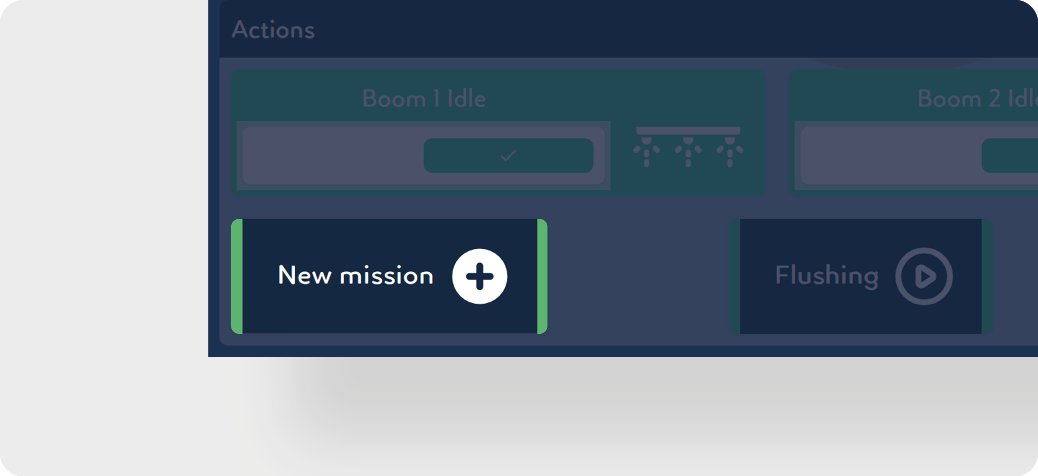
Create a new mission by clicking on New Mission.
-
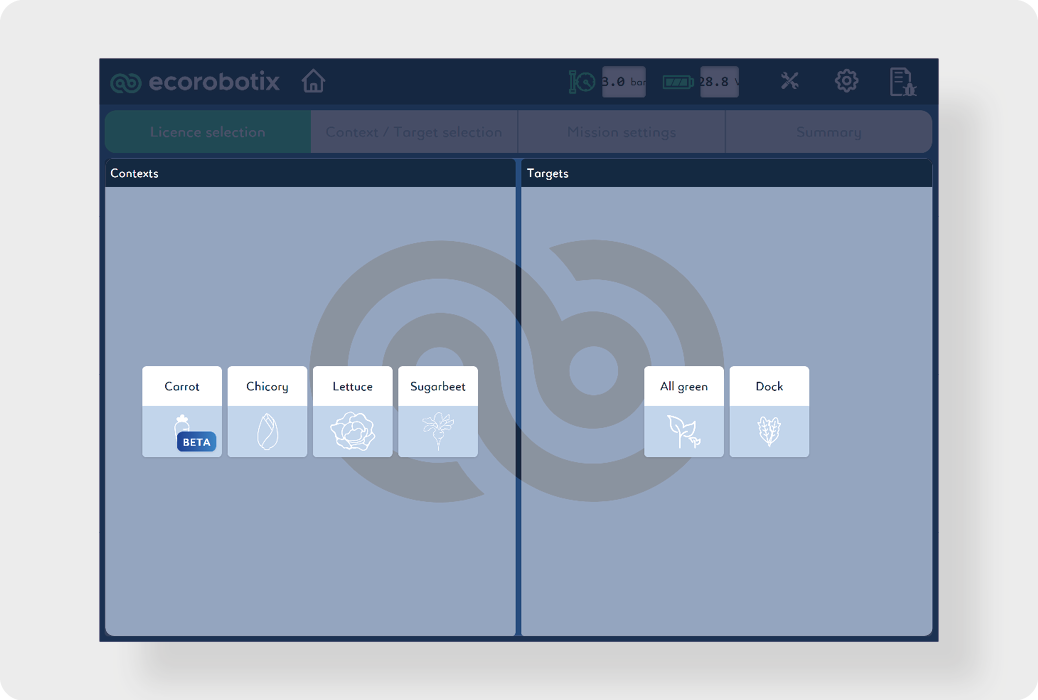
Select a context or target.
-
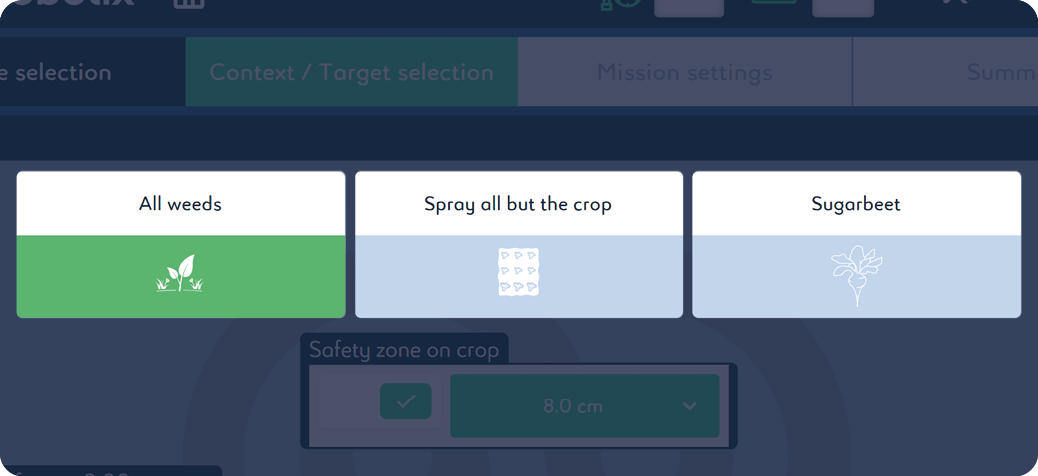
Select the spraying target:
-
All weeds : weed spraying only.
-
Spray all but the crop : soil and weed spraying only.
-
Crop (ex. sugarbeet) : crop spraying only.
-
-
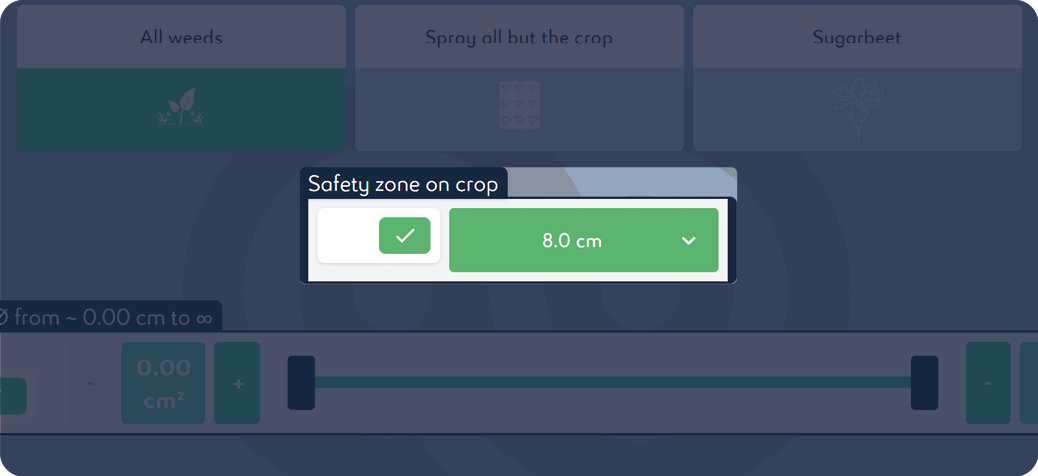
If the product used is non-selective, activate Safety zone on the crop and adjust the safety perimeter:
INFORMATION
We recommend using a semi-selective product when the safety zone is less than 8 cm | 3.15 in.
-
A target size can be set to spray only targets of the corresponding size. The diameter can be set from 0 to 50 cm.
INFORMATION
The value taken into account by the cameras is the surface area in cm2. Two plants of different size but similar surface area will both be sprayed.
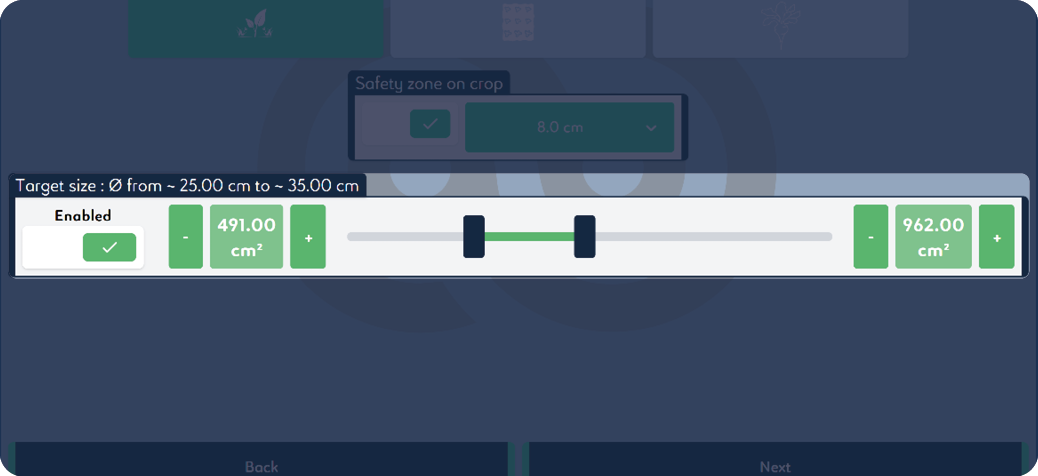
-
Click on Next.
-
Working pressure can be set from 2.2 bar to 3.5 bar.
INFORMATION
It is recommended to leave the default setting at 3.0 bar.
-
Target density is linked to the selected working pressure and can be set at a defined speed.
-
The working width can be changed from 6.04 m | 19.82 ft to 0 in increments of 0.08 m | 0.26 ft.
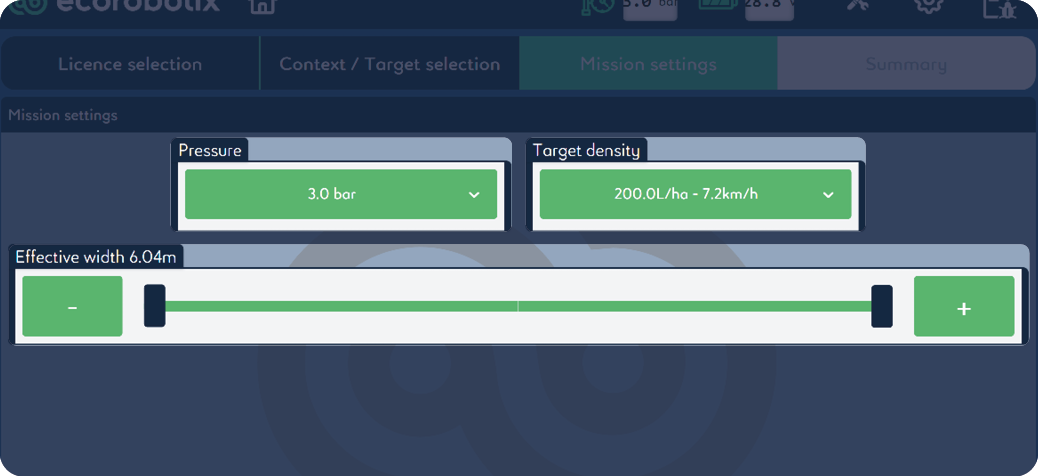
-
Click on Next.
-
Choose the name of the field's owner from the list. If it does not exist, create it by clicking on + .
-
Choose the name of the field from the list. If it does not exist, create it by clicking on + .
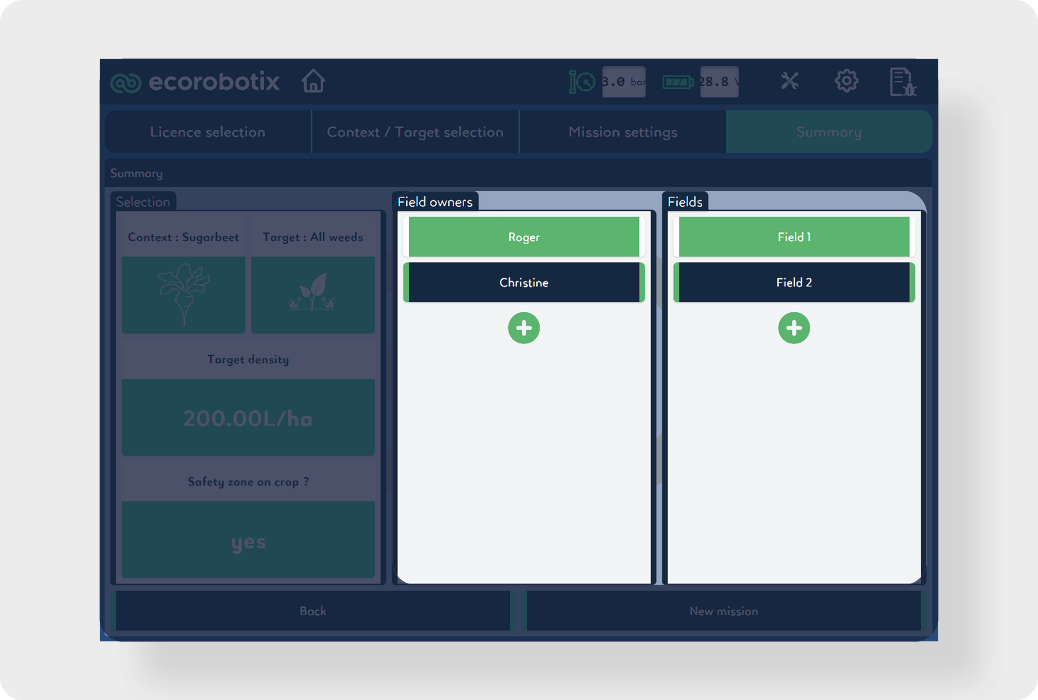
-
Click on New mission to validate the treatment.
Beginning of the field
-
Prime the nozzles with the mixture by engaging the Priming mode for 16 seconds. Click the button again to stop priming.
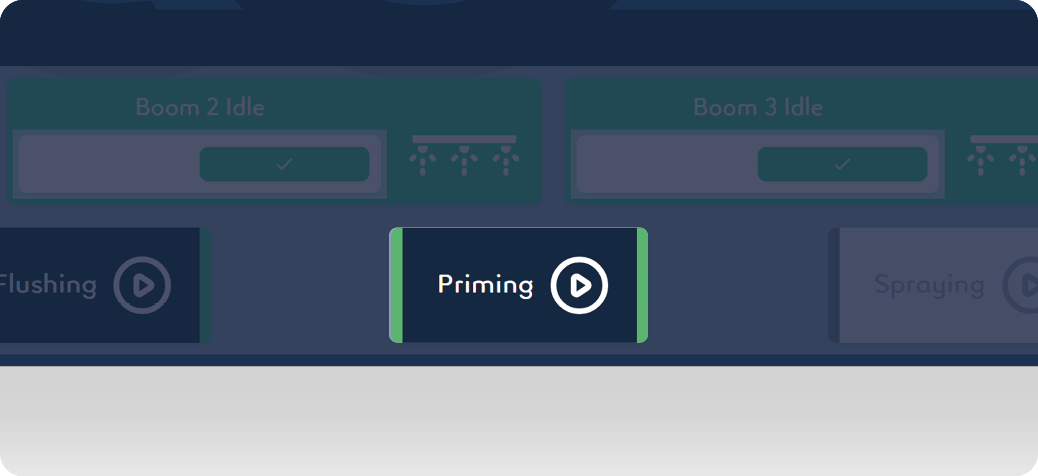
-
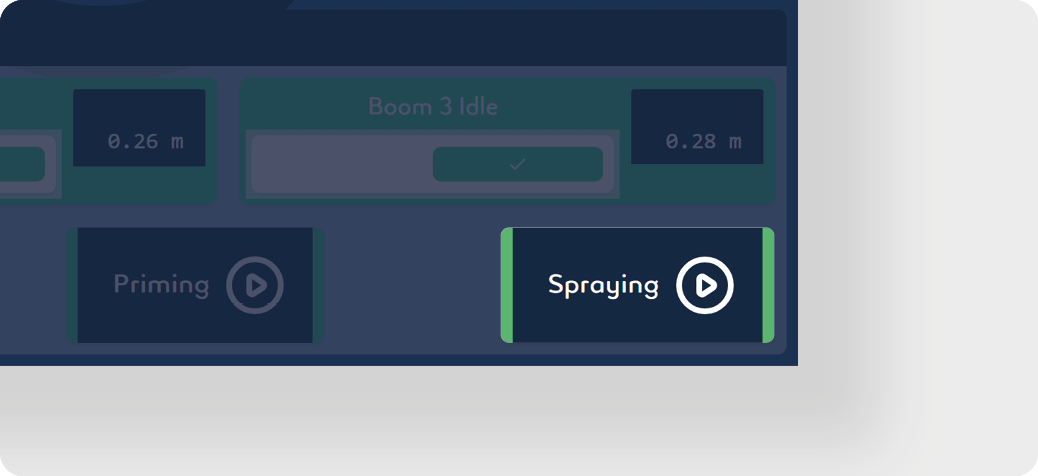
Click on Spraying. The autonomous detection system is now activated and sprays automatically when the machine moves forward.
-
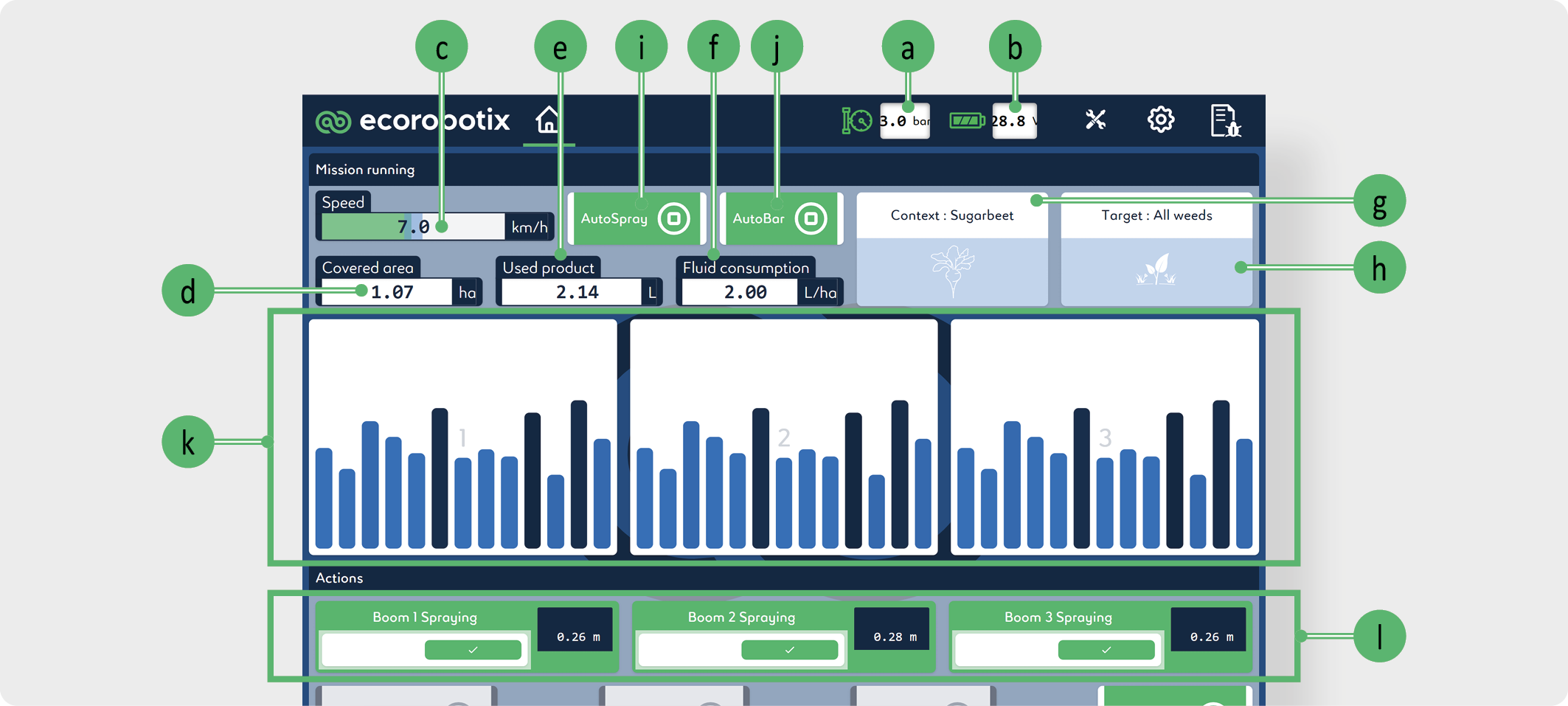
The app displays the following values and actions:
-
Pressure: Indicates the pressure in the spray boom.
-
Voltage: Indicates the battery tension
-
Speed: Indicates the speed of the machine as measured by the odometer camera system.
-
Covered area: Indicates the surface already treated. The calculation considers the travelled distance and the number of active units.
-
Used product: Indicates the total volume of mixture used. The result is calculated from the opening time of the nozzles.
-
Fluid consumption: Indicates the volume of mixture used per hectare. The result is the quotient Used product / Covered area.
-
Context: Indicates in which context/ crop the machine is. In this example, a sugar beet field.
-
Target: Indicates the types of targets the machine will spray.
-
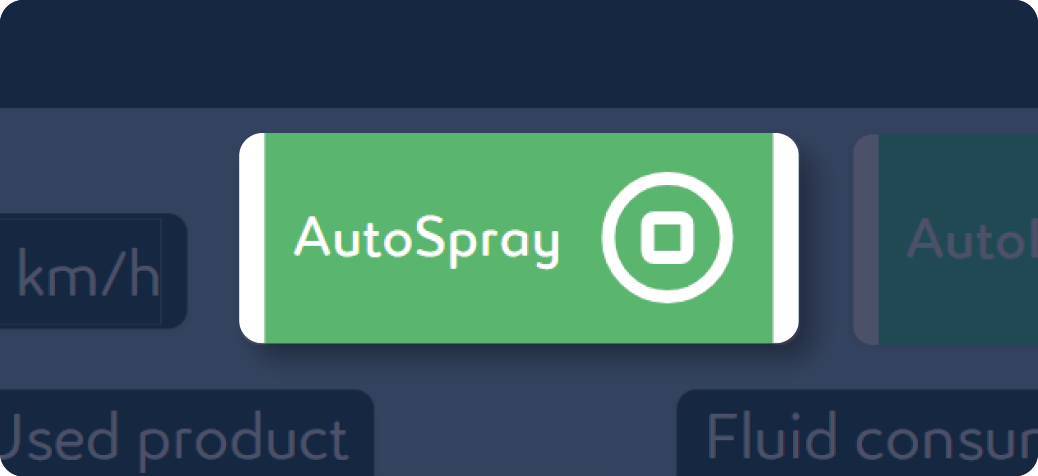
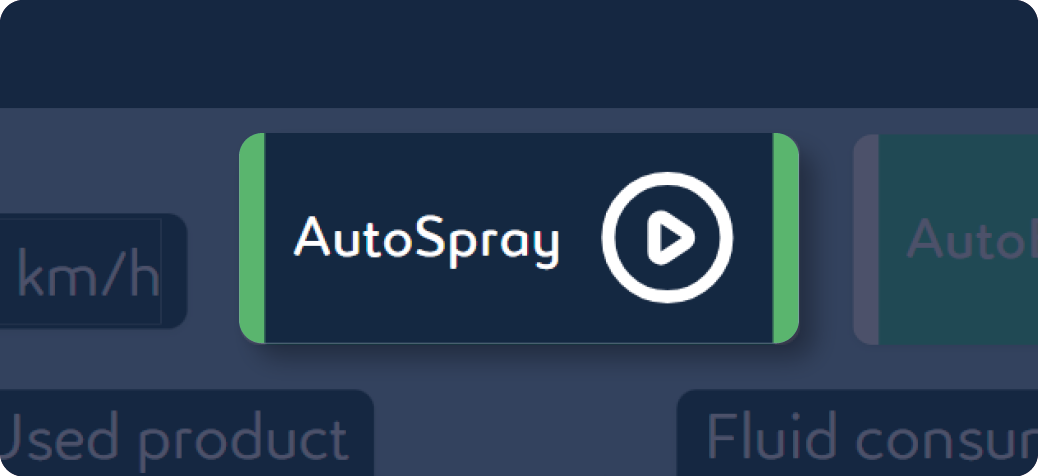
AutoSpray: Turns on spraying if the machine is lowered to the ground and turns off spraying if the machine is lifted.
-
AutoBar: Allows to adjust all the booms automatically and continuously at 26 cm | 10.24 in from the target to be treated. Attention this function does not allow to avoid an obstacle (stones, branch etc.).
-
Boom activity: Indicates nozzle activity per boom.
-
Boom status: Shows whether the boom is on or off and the distance between the boom nozzles and the ground. A boom can be deactivated by clicking on ✔️ .
-
-
Adjust the speed of the tractor according to the required l/ha (see Water flow table).
-
Ensure that the pressure indicated on the user interface is correct.
-
The operator must monitor speeds and pressures throughout the job.
End of the line
If AutoSpray is activated:
-
Raise the two lift arms.
-
Change line.
-
Lower the two lift arms.
If AutoSpray is deactivated:
-
Click on Spraying.
-
Raise the two lift arms.
-
Change line.
-
Lower the two lift arms.
-
Click on Spraying.
INFORMATION
Whether the wheels of the units are in swivel or fixed position, it is necessary to lift the machine at the end of the line.
End of mixture tank
INFORMATION
The amount of liquid is determined by the operator's visual inspection.
-
Click on Spraying.
-
Calculate the volume of spray mixture needed to continue the treatment: V = (A - CA) × LHA
-
V = volume of mixture to be sprayed
-
A = total surface of the field
-
CA = surface already treated (Covered area)
-
LHA = consumption (l/ha)
-
-
Prepare the calculated mixture volume according to the instructions in Mixture preparation chapter.
-
Resume treatment.
End of field
-
Click on Spraying.
-
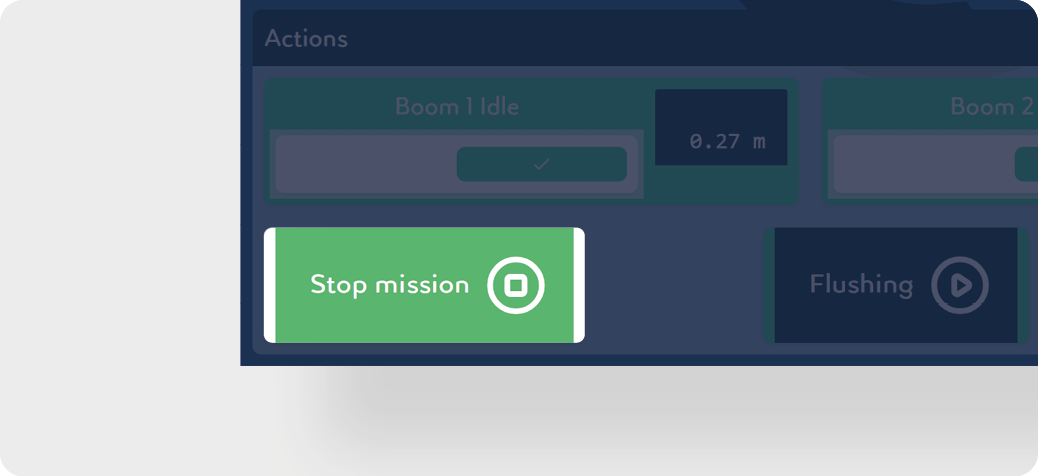
Click on Stop mission.
-
The residual volume of the mixture can be drained in two different ways. These two cases are described in separate chapters below:
Cleaning after treatment interruption
Cleaning after treatment interruption
CAUTION
Comply with all local, state/provincial, and federal/national requirements applicable to the waste disposal of any spray liquid residues or leftover chemicals.