
INFORMATION
A treatment consists of one or more fields treated with the same plant protection products and the same parameters of use (speed of work, height of the booms...).
Start of treatment
-
Create a new mission by pressing New Mission.
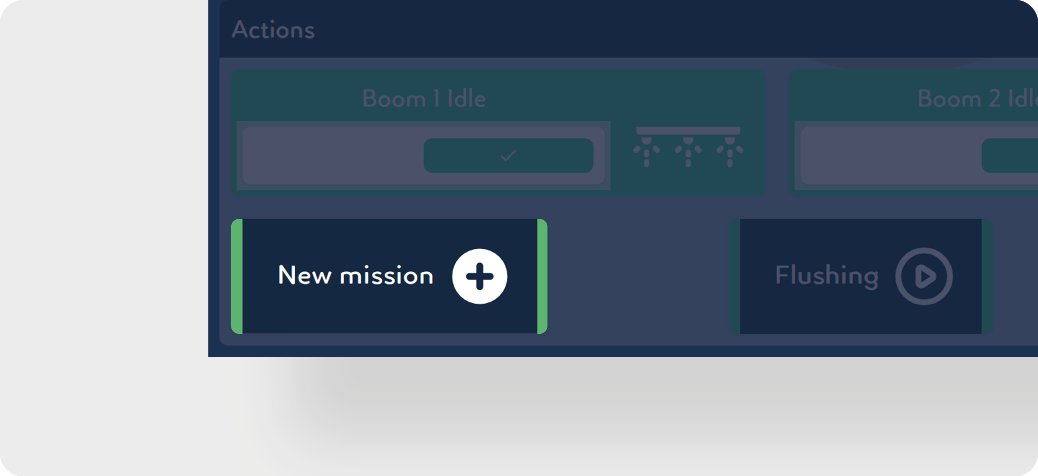
-
Select a context or target.
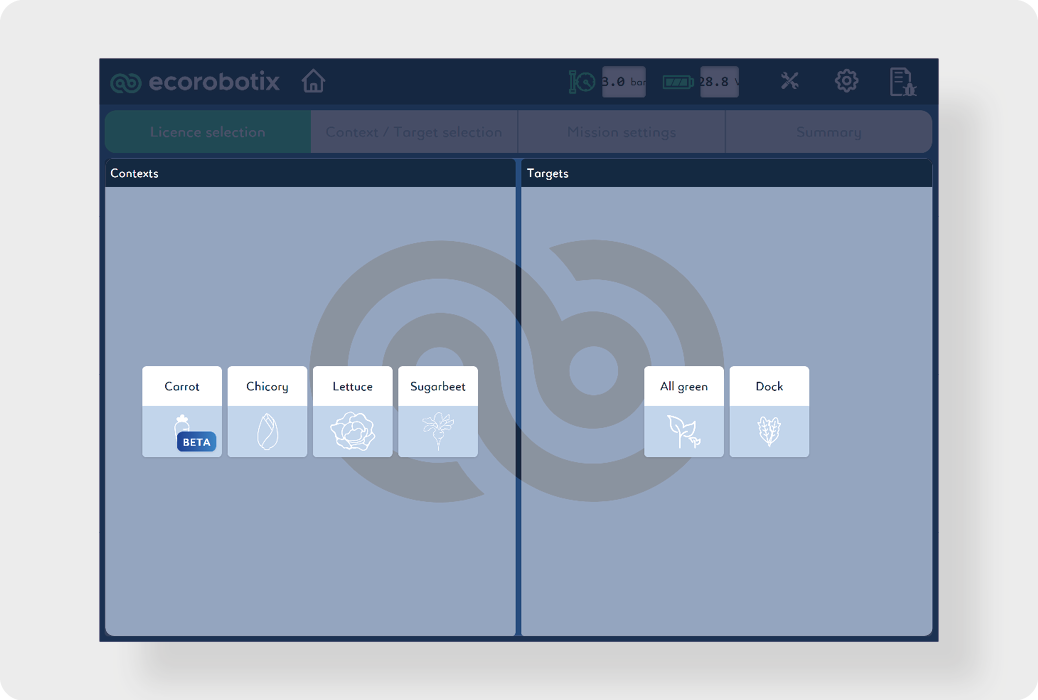
-
Select the spraying target:
-
Weeding in crop: weed in crop spraying only.
-
Weeding in pasture: weed in pasture spraying only.
-
Crop treatment : crop spraying only.
-
All plants: soil and weed spraying only.
-
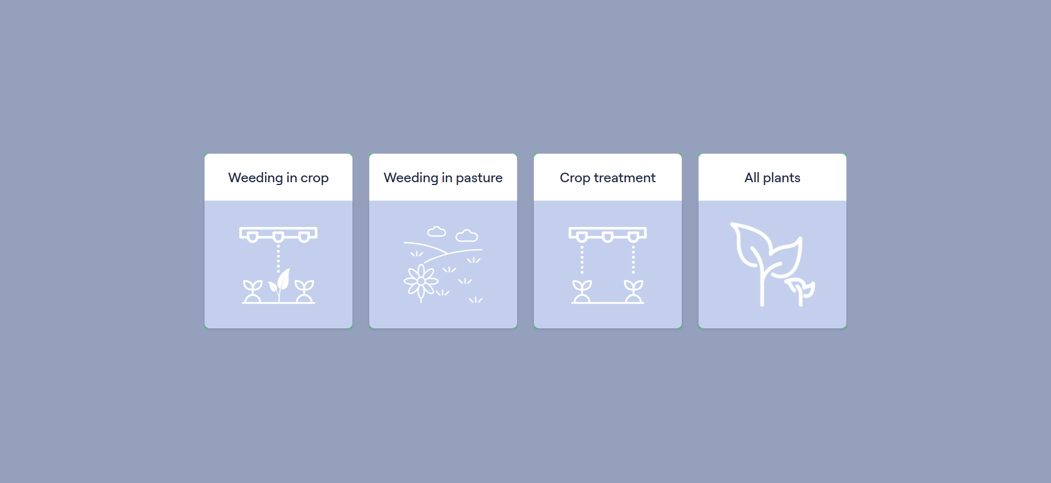
-
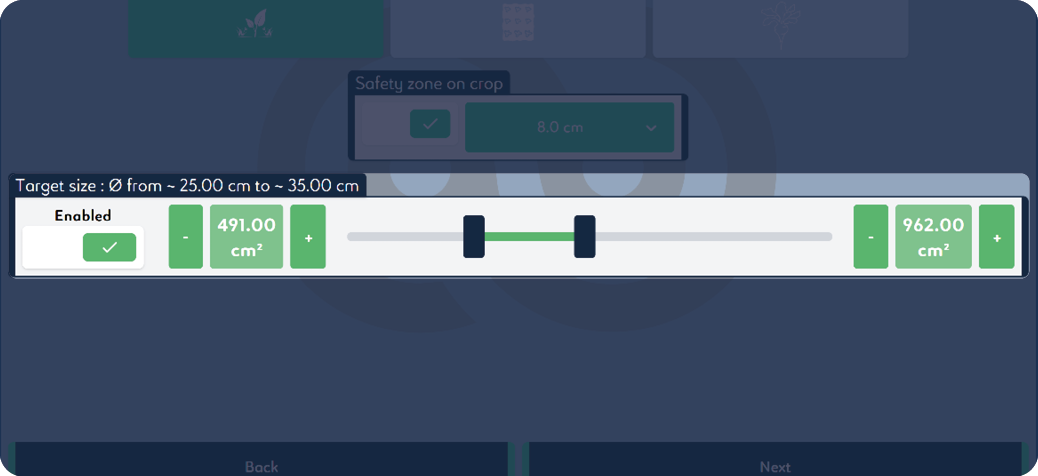
If the product used is non-selective, activate Safety zone on crop and adjust the safety perimeter:
INFORMATION
We recommend using a semi-selective product when the safety zone is less than 8 cm | 3.15 in.
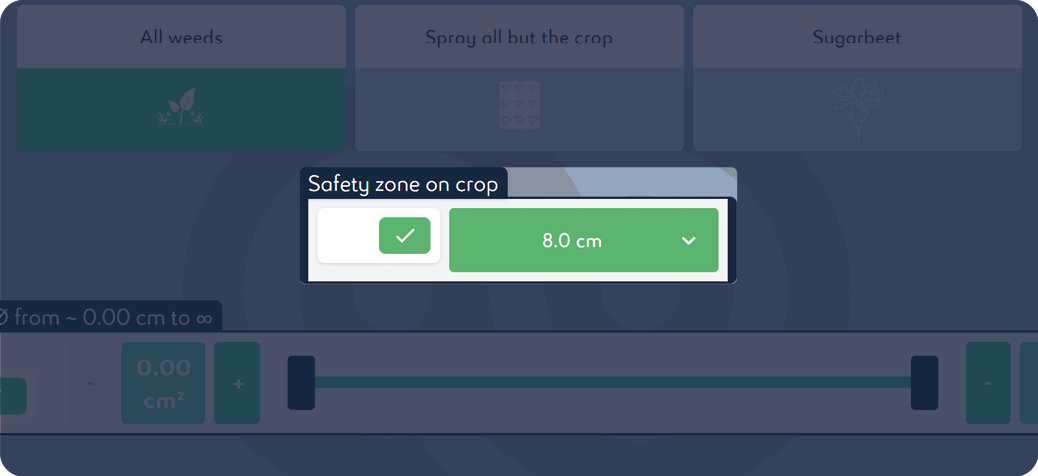
-
A target size can be set to spray only targets of the corresponding size. The diameter can be set from 0 to 50 cm | 0 to 20 in.
INFORMATION
The value taken into account by the cameras is the surface area in cm2 | in2.Two plants of different size but similar surface area will both be sprayed.
-
Press Next.
-
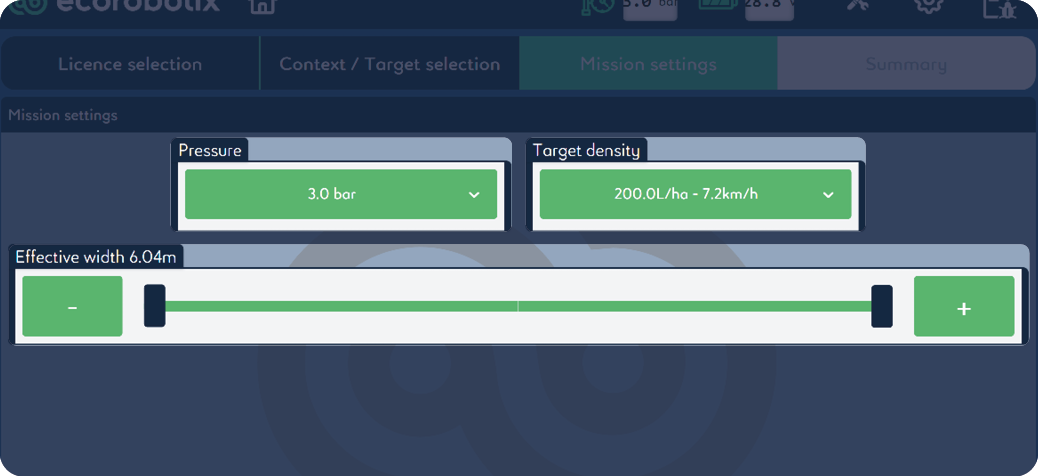
Working pressure can be set from 2.2 bar to 3.5 bar | 31.9 psi to 50.8 psi.
INFORMATION
It is recommended to leave the default setting at 3.0 bar | 43.5 psi.
-
Target density is linked to the selected working pressure and can be set at a defined speed.
-
The working width can be changed from 6.04 m | 19.82 ft to 0 in increments of 0.08 m | 0.26 ft.
-
Press Next.
-
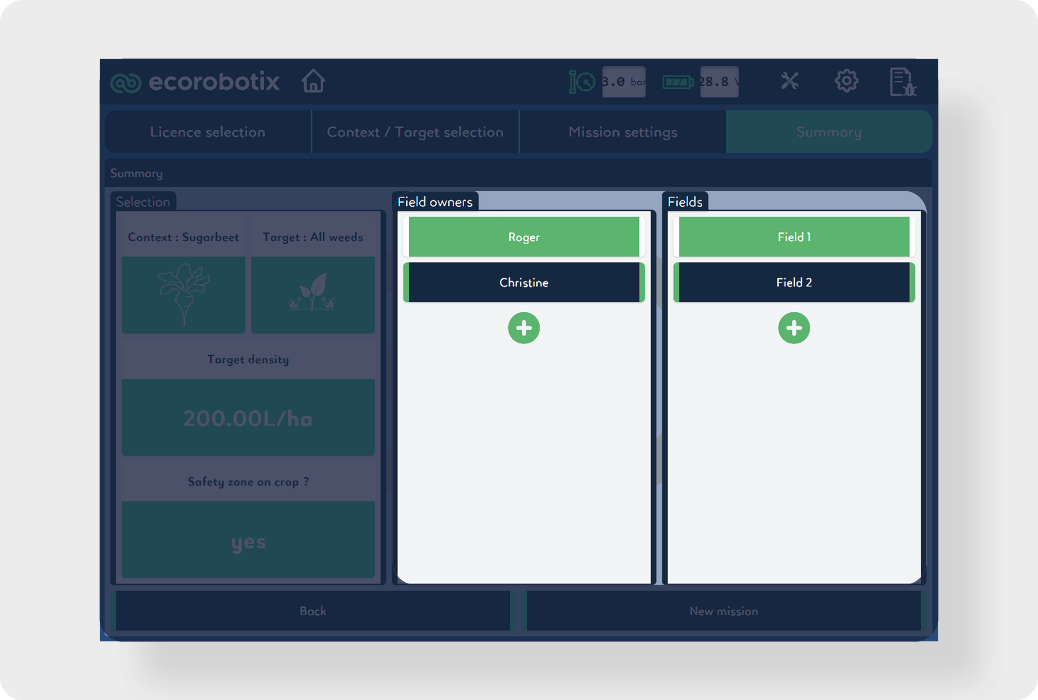
Choose the name of the field's owner from the list. If it does not exist, create it by pressing + .
-
Choose the name of the field from the list. If it does not exist, create it by pressing + .
-
Press New mission to validate the treatment.
Beginning of the field
-
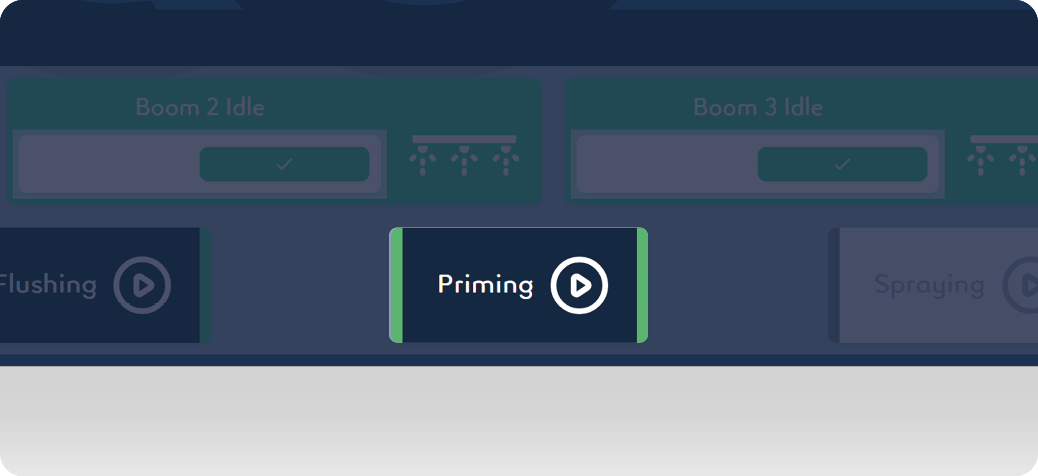
Prime the nozzles with the mixture by engaging the Priming mode for 16 seconds. Priming stops once the mode finishes.
-
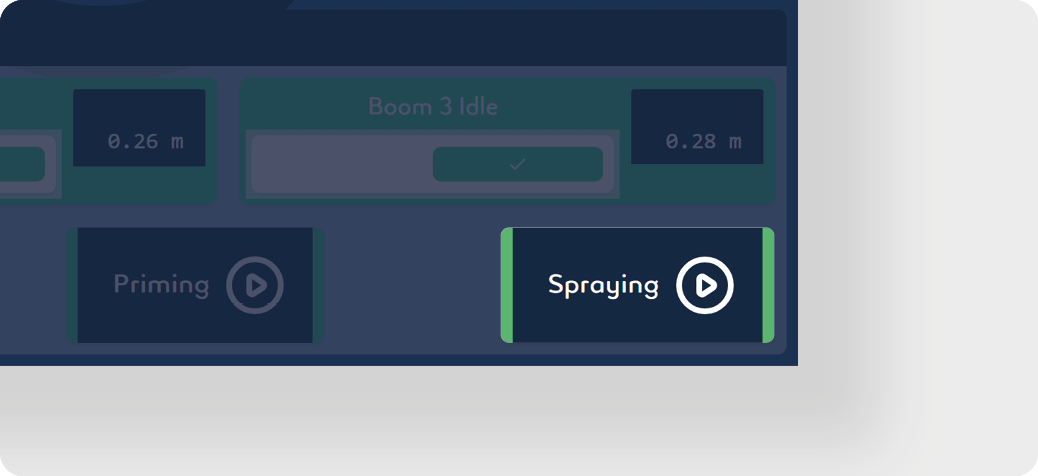
Press Spraying. The autonomous detection system is now activated and sprays automatically when the machine moves forward. Pressing Spraying again stops this mode.
-
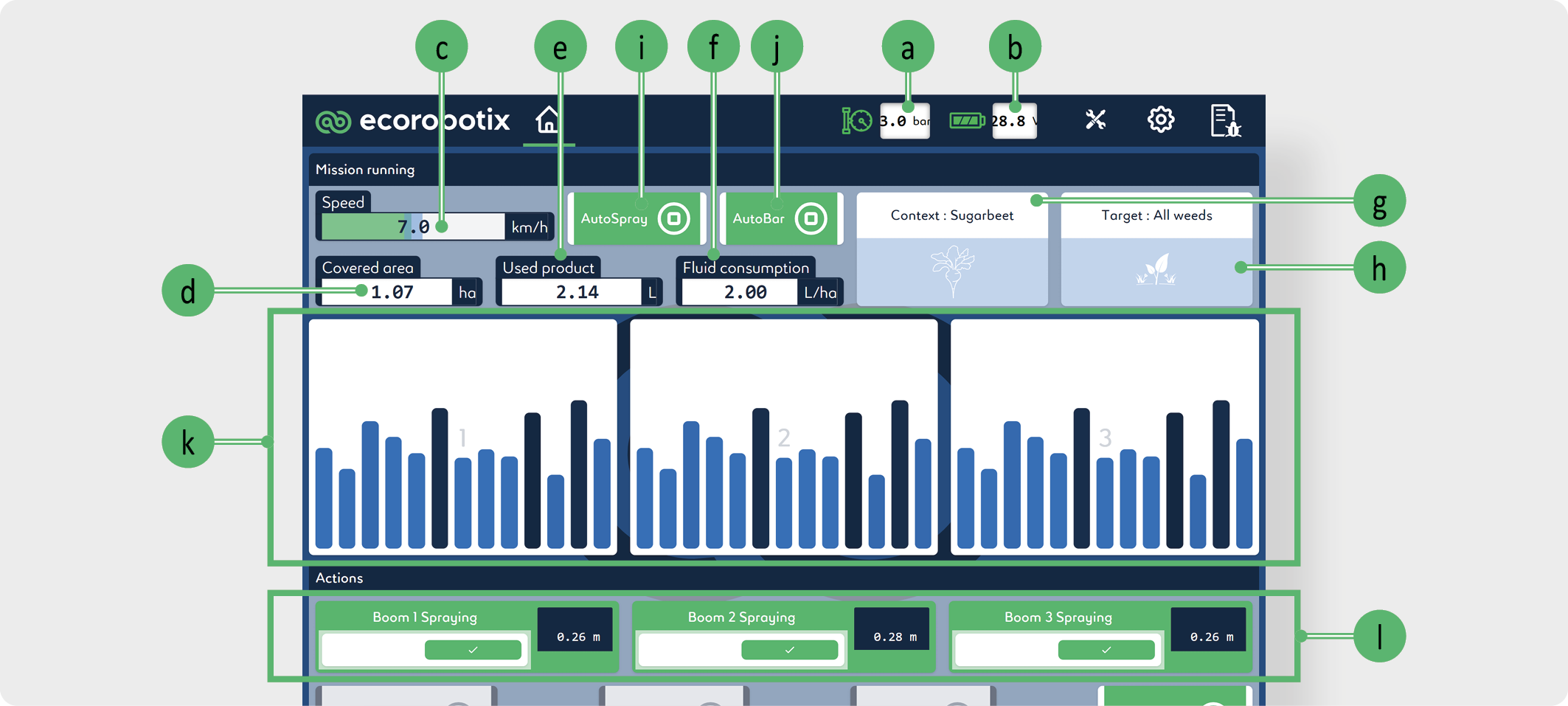
The app displays the following values and actions:
-
Pressure: Indicates the pressure in the spray boom.
-
Voltage: Indicates the battery tension
-
Speed: Indicates the speed of the machine as measured by the odometer camera system.
-
Covered area: Indicates the surface already treated. The calculation considers the travelled distance and the number of active units.
-
Used product: Indicates the total volume of mixture used. The result is calculated from the opening time of the nozzles.
-
Fluid consumption: Indicates the volume of mixture used per hectare. The result is the quotient Used product / Covered area.
-
Context: Indicates in which context/ crop the machine is. In this example, a sugar beet field.
-
Target: Indicates the types of targets the machine will spray.
-
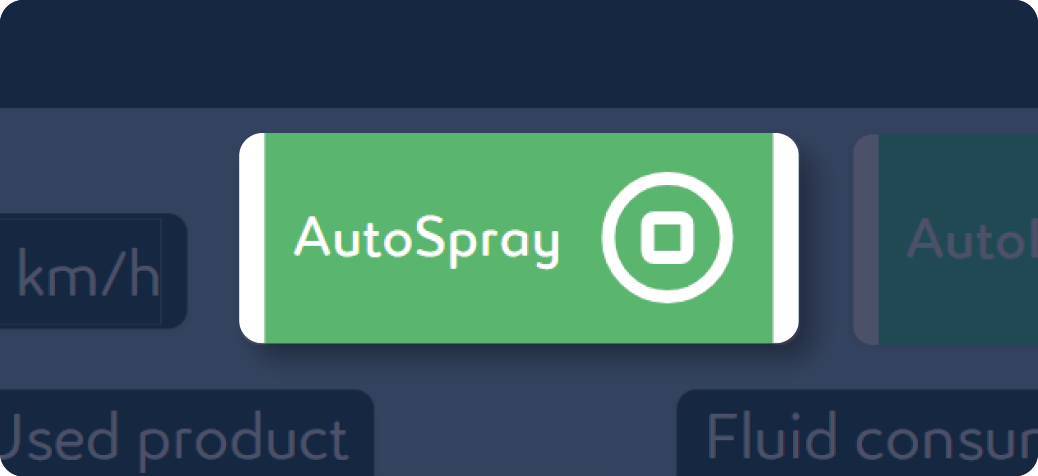
AutoSpray: Turns on spraying if the machine is lowered to the ground and turns off spraying if the machine is lifted.
-
AutoBar: Allows to adjust all the booms automatically and continuously at 26 cm | 10.24 in from the target to be treated. Attention this function does not allow to avoid an obstacle (stones, branch etc.).
-
Boom activity: Indicates nozzle activity per boom.
-
Boom status: Shows whether the boom is on or off and the distance between the boom nozzles and the ground. A boom can be deactivated by clicking on ✔️ .
-
-
Adjust the speed of the tractor according to the required l/ha (see Water flow table).
-
Ensure that the pressure indicated on the user interface is correct.
-
The operator must monitor speeds and pressures throughout the job.
End of the line
If AutoSpray is activated:
-
Raise the two lift arms at 25%.
-
Raise the lifting mechanism.
-
Change line.
-
Lower the lifting mechanism.
-
Lower the two lift arms.
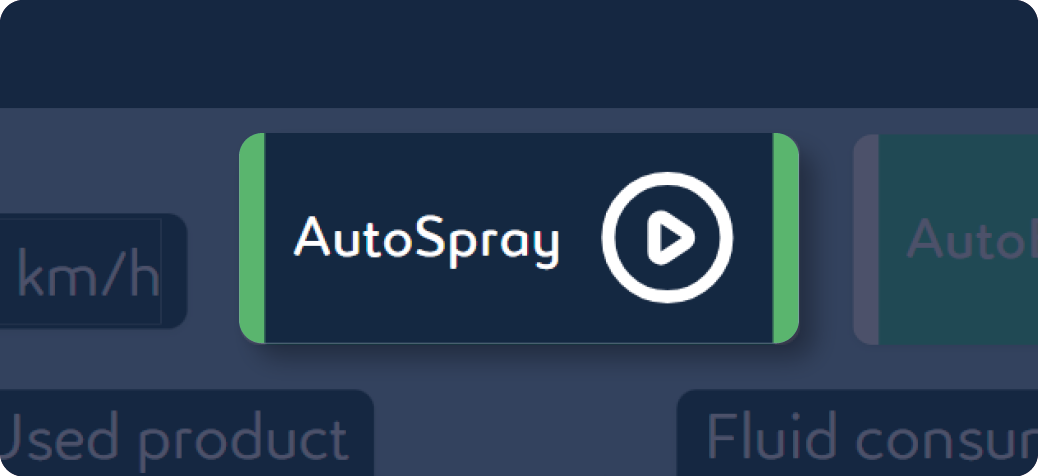
If AutoSpray is deactivated:
-
Press Spraying.
-
Raise the two lift arms at 25%.
-
Raise the lifting mechanism.
-
Change line.
-
Lower the lifting mechanism.
-
Lower the two lift arms.
-
Press Spraying again.
End of mixture tank
INFORMATION
The amount of liquid is determined by the operator's visual inspection.
-
Click on Spraying.
-
Calculate the volume of spray mixture needed to continue the treatment: V = (A - CA) × LHA
-
V = volume of mixture to be sprayed
-
A = total surface of the field
-
CA = surface already treated (Covered area)
-
LHA = consumption (l/ha)
-
-
Prepare the calculated mixture volume according to the instructions in Mixture preparation chapter.
-
Resume treatment.
End of field
-
Press Spraying.
-
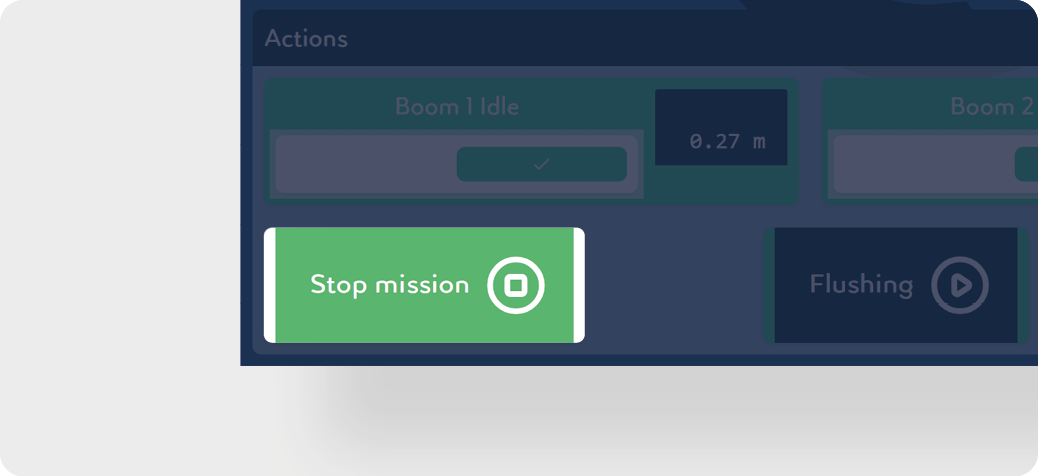
Press Stop mission.
-
The residual volume of the mixture can be drained in two different ways. These two cases are described in separate chapters below:
Cleaning after treatment interruption
Cleaning after treatment interruption for fluidic kit (optional)
Cleaning after treatment for fluidic kit (optional)
CAUTION
Comply with all local, state/provincial, and federal/national requirements applicable to the waste disposal of any spray liquid residues or leftover chemicals.