Bleeding air from the circuit
The symptoms of air in the circuit are as follows:
-
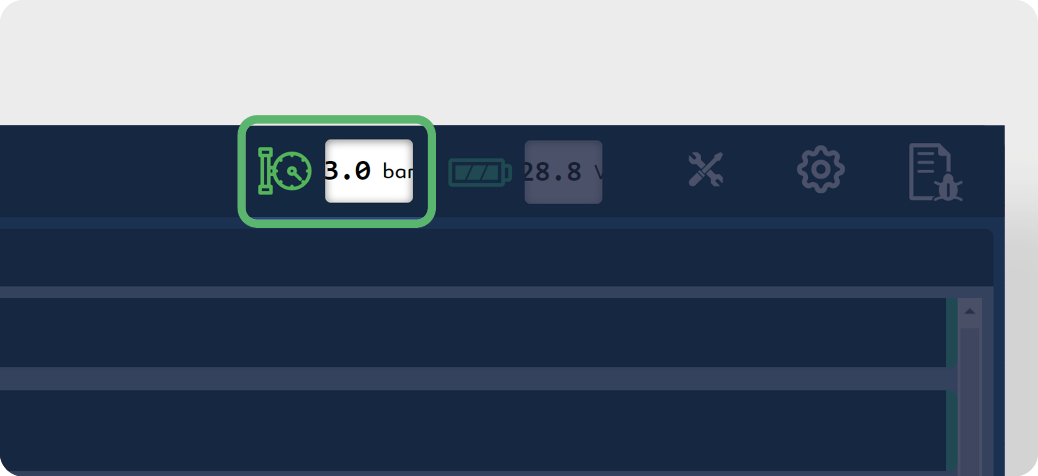
The pressure varies rapidly and with amplitudes greater than ± 0.5 bar | 7.25 psi.
-
Abnormal machine vibrations occur.
When air is present in the system, the pump must be primed. The main causes of air in the system are as follows:
-
The pump has been switched off for a long time.
-
The suction filter has been opened.
-
The selected tank is empty and the pump is switched on.
Checking nozzle orientation
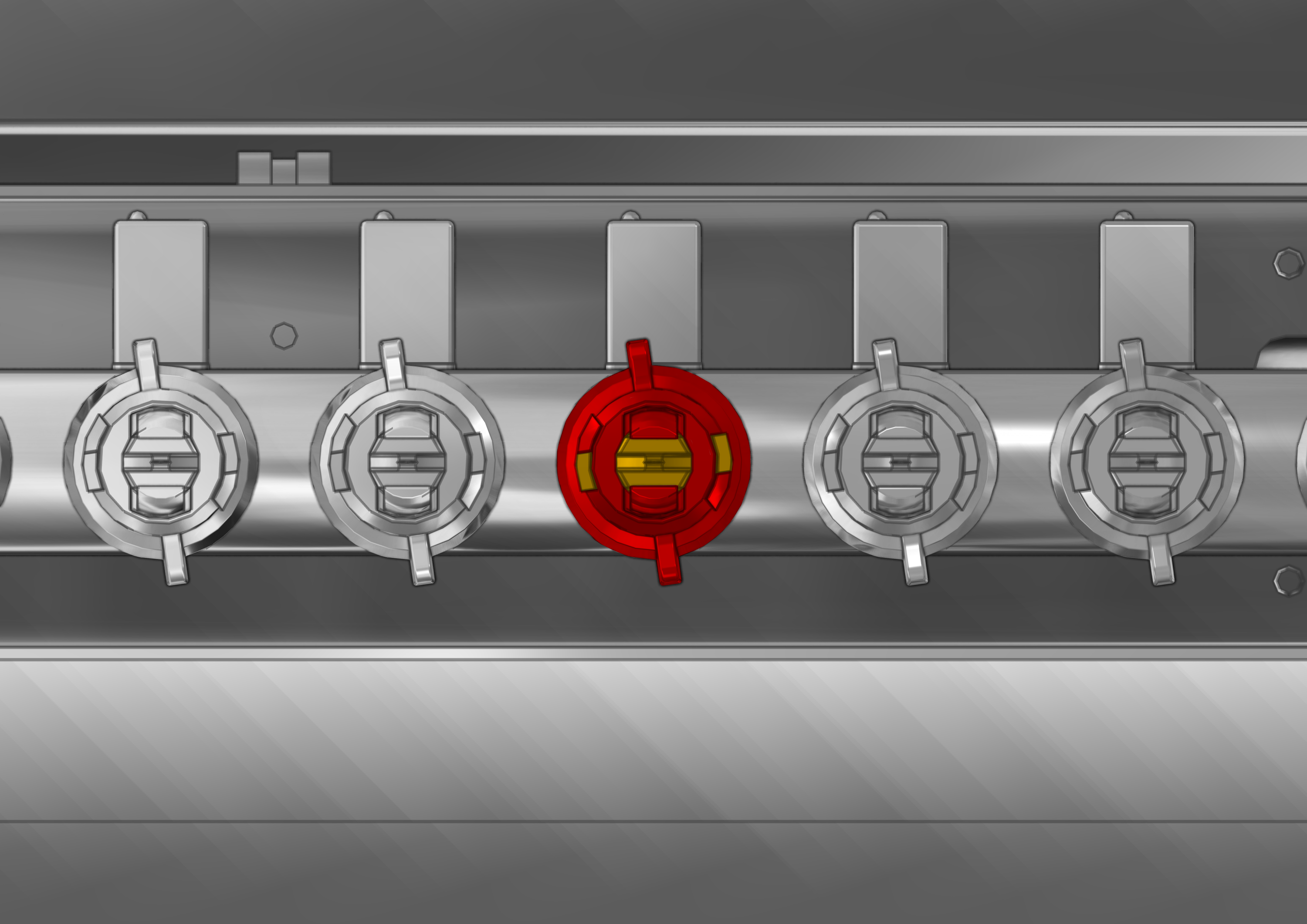
The nozzle angle should be 8°.
Refer to chapter Nozzle check.
To prime the pump:
-
Make sure the pump is switched off.
-
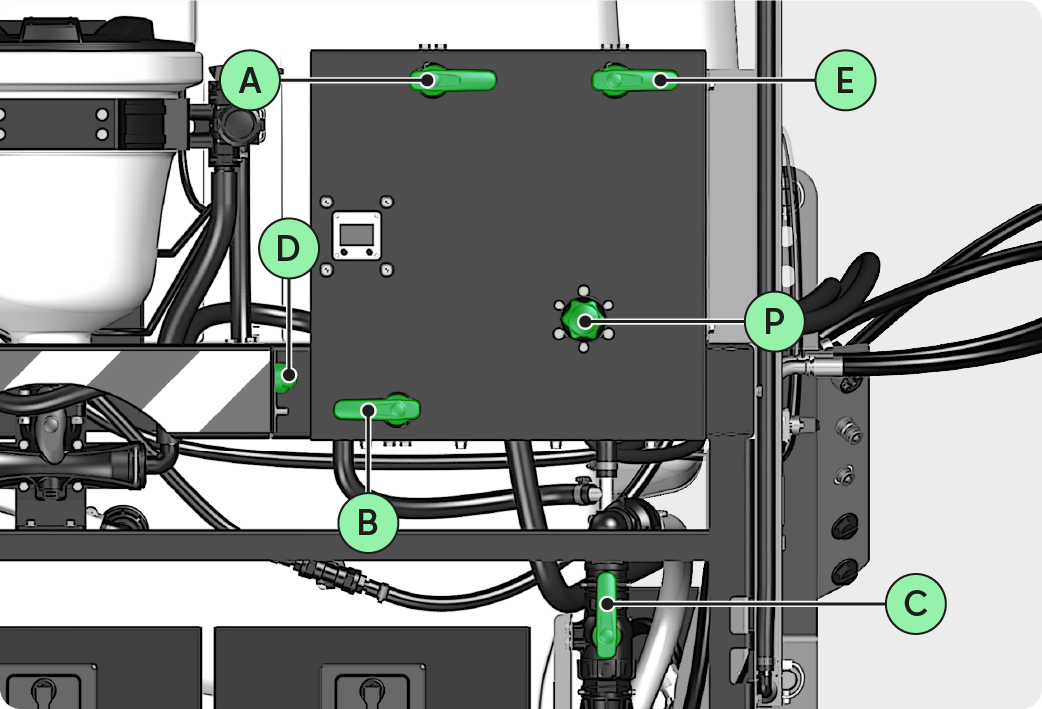
Position the valves:
-
Valve A : position 2
-
Valve B : position 4
-
Valve C : position 5
-
Valve D : position 100%
-
Engage the pump.
-
Wait for the pressure to stabilize.
-
If the pressure does not stabilize, check that there are no leaks and ensure that the liquid level in the selected tank is sufficient.
-
To adjust the working pressure, refer to chapter Adjusting the working pressure.